Counting…
Drop the photo to load it
Outline one object and every one like it is counted. Pick what you count, or start with your own photo.
Move across a photo to see what was counted. Click it to count that kind of object.
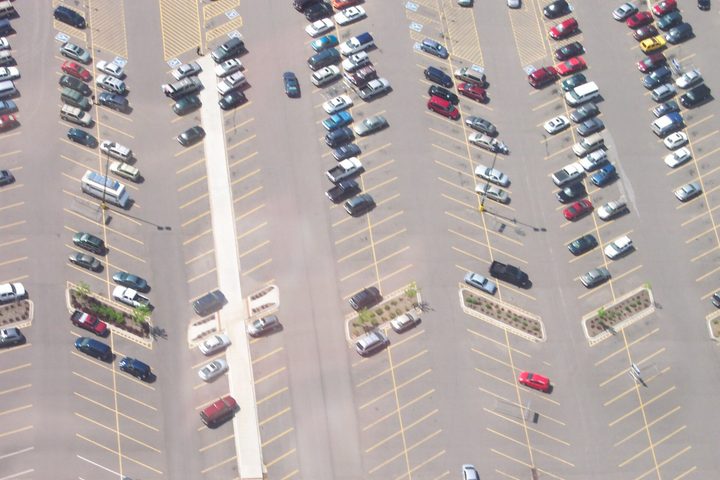
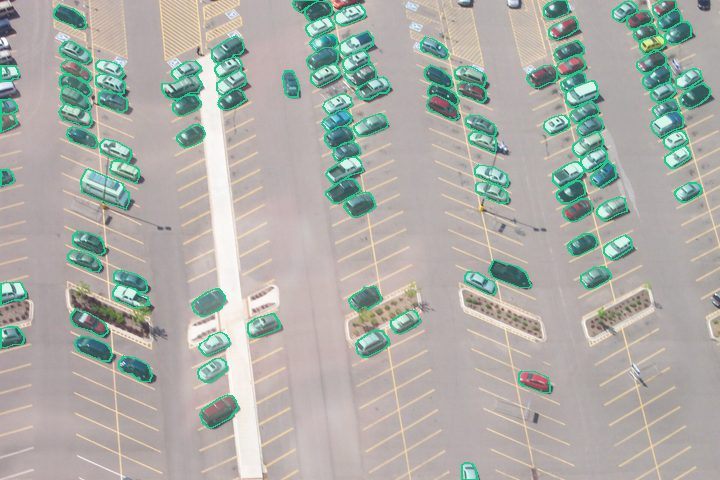 Cars113 cars
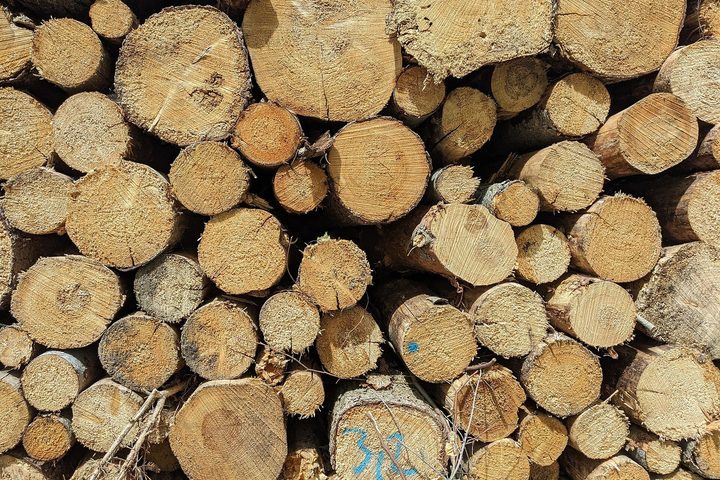
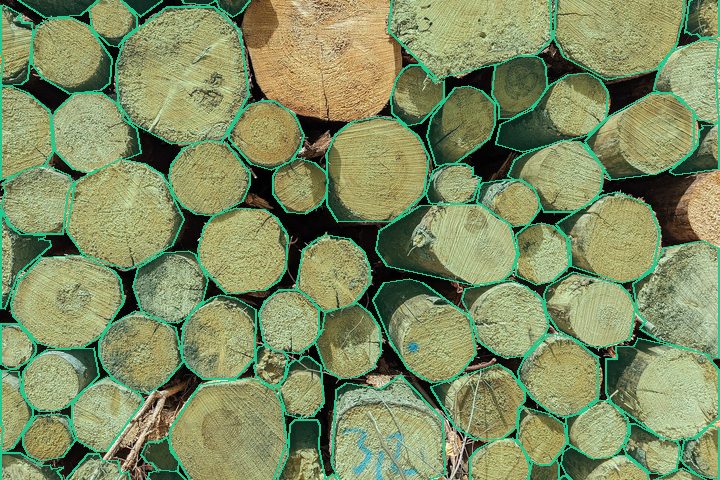 Logs and timber72 logs

 Pills and tablets47 pills

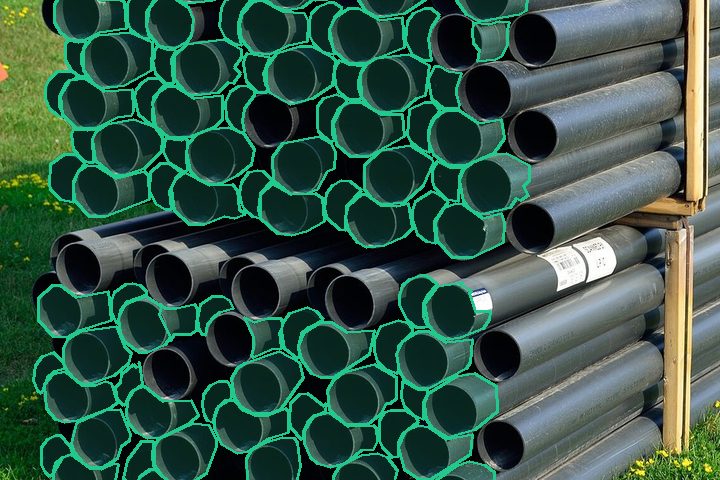 Pipes and tubes92 pipes

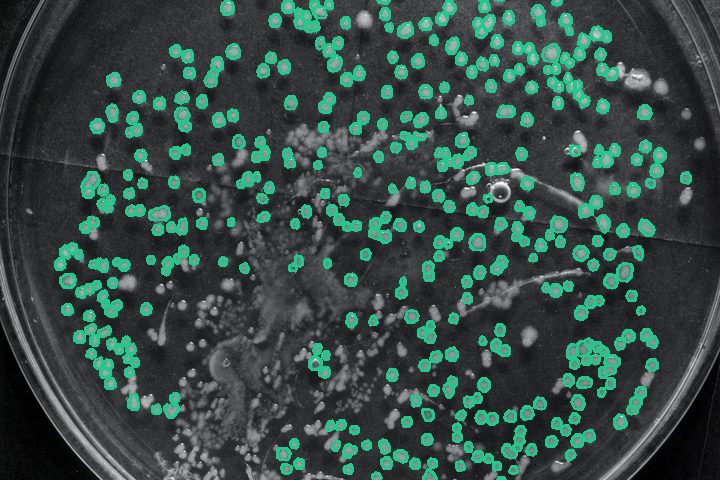 Colonies on a petri dish435 colonies
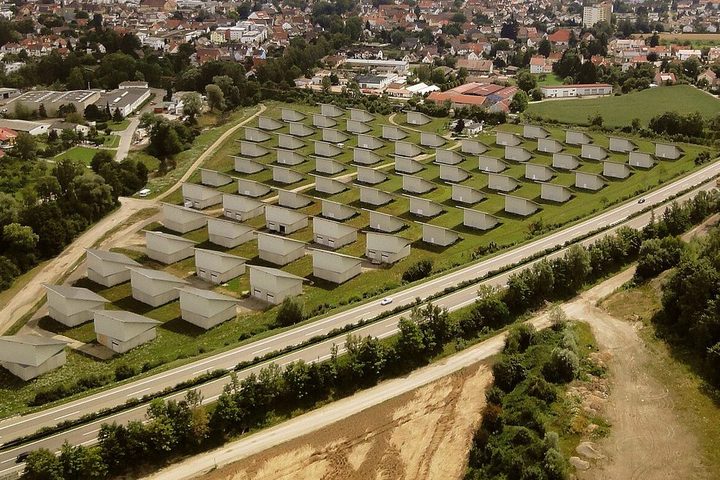
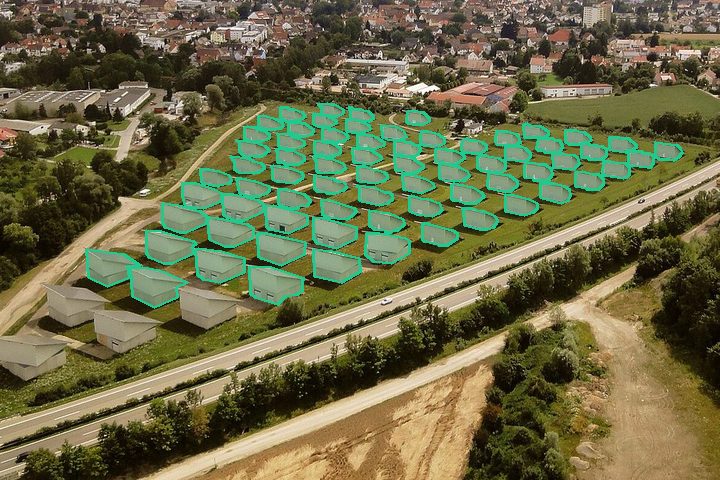 Solar panels from the air70 panels
Boxes and palletsTry your own photo
Counting many photos, or something this page finds hard? We build custom models for your kind of image, run batch counts and offer an API, as a monthly plan.
Ask for a quoteYour photo stays in this browser unless you choose Smart AI in step 4. Pricing · Privacy · Terms · Business information · Feedback and contact