Counting…
Drop the photo to load it
Spread the screws on a plain sheet, take a photo and outline one screw: small computer screws, machine screws and bolts are counted, whatever their head or finish.
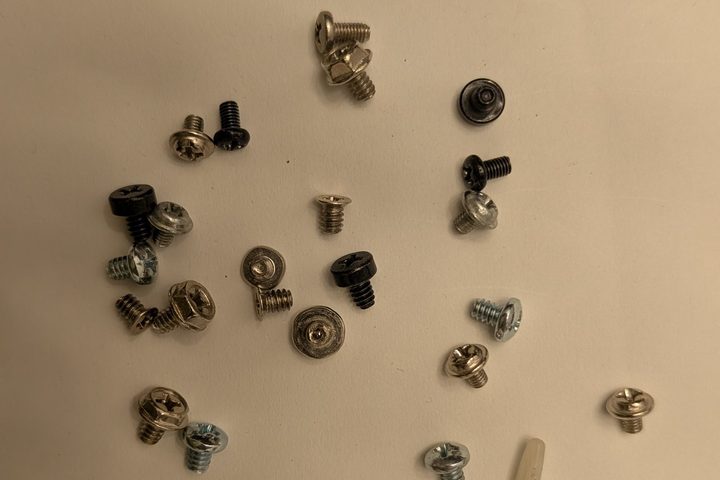
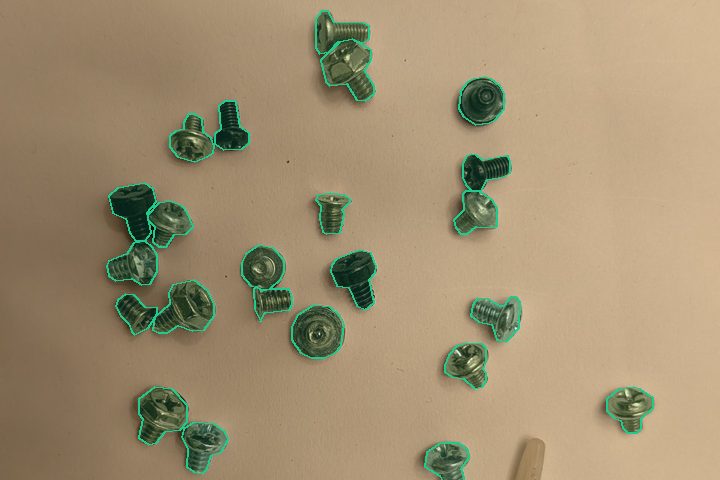
The example opens with its outline and settings, so you can see how it was counted and change them. Then try your own photo: it starts with the same settings.
Checking a parts kit before assembly, counting screws left over after a repair, and counting small parts by the hundred instead of by hand.
Spread them in a single layer on a clean sheet of paper whose colour contrasts with them: white paper for black or brass screws, dark paper for bright zinc or stainless ones. Separate any that lie across each other.
Yes, when each screw is large enough in the photo. Move the camera closer and count a smaller batch per photo, so each screw is easy to see.
Only objects that look like your example are counted. To count them too, outline a washer or a nut as a second or third example. Any wrong mark comes off with a click in step 4.
It is an estimate. Every counted object gets a mark on the photo, so you can check them: with the Fix tool in step 4, click a wrong mark to remove it or a missed object to add it, and the total updates.
Move across a photo to see what was counted. See all of them
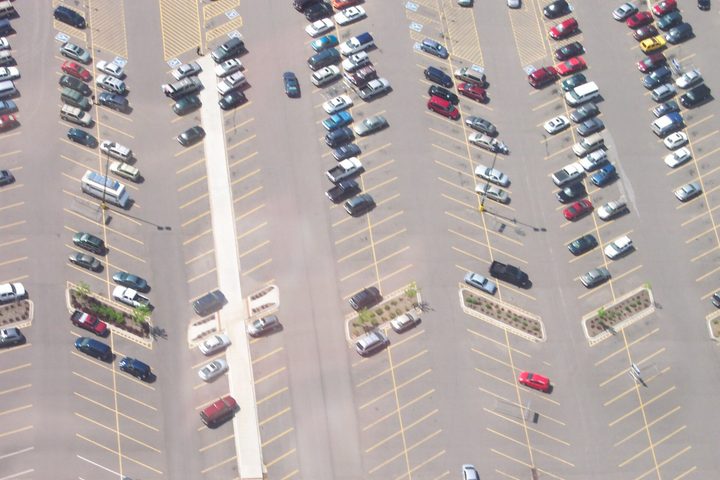
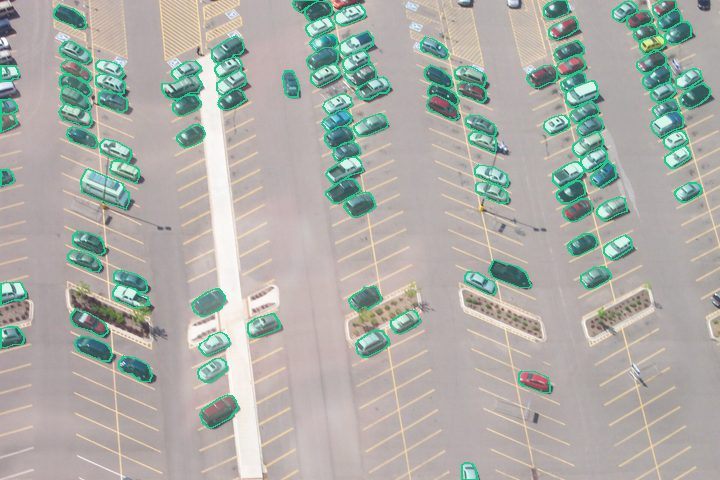 Count cars116 cars
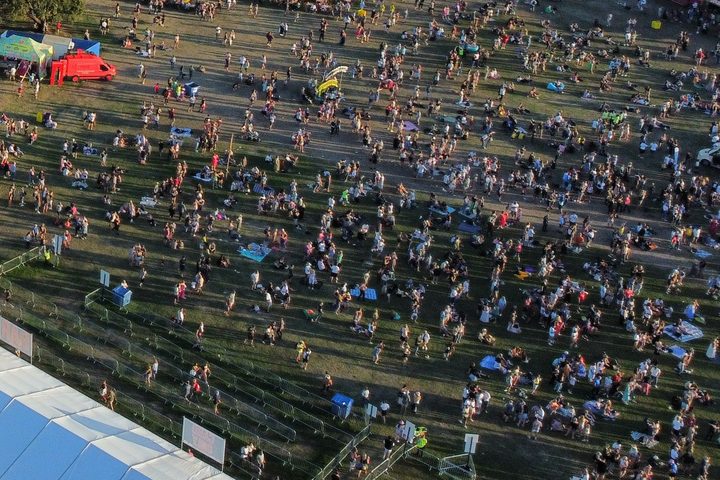
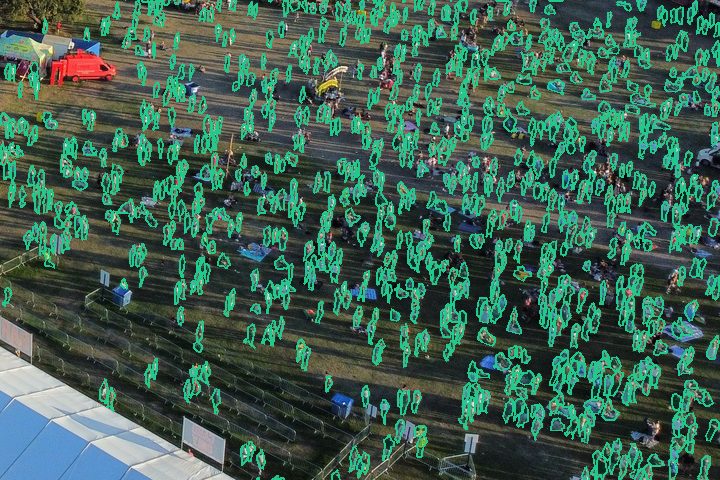 Count people937 people
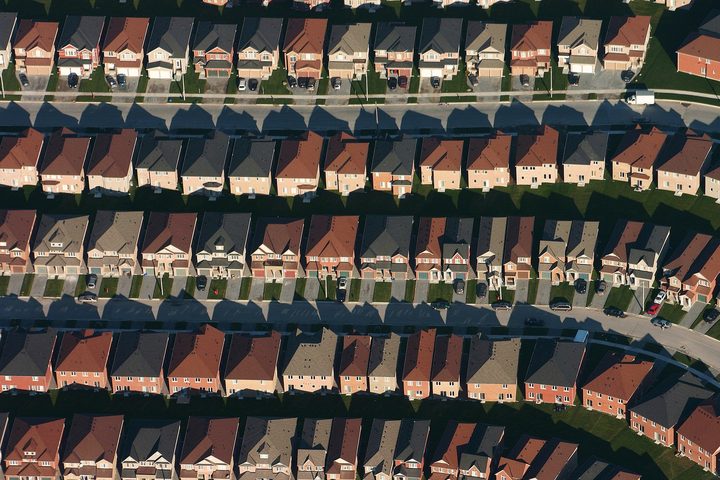
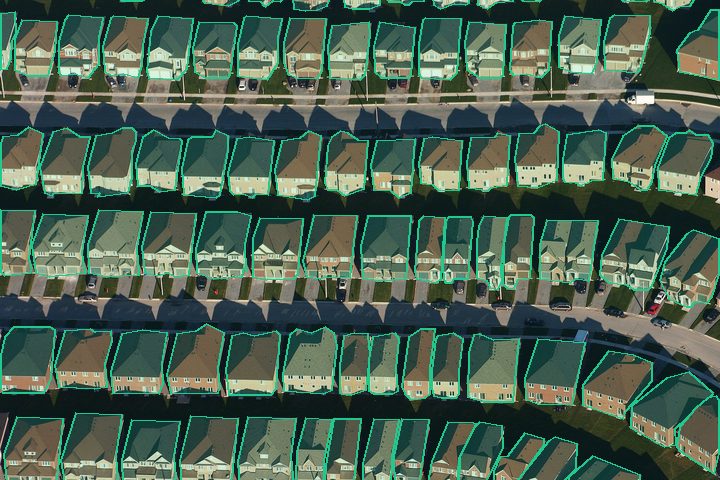 Count houses90 houses
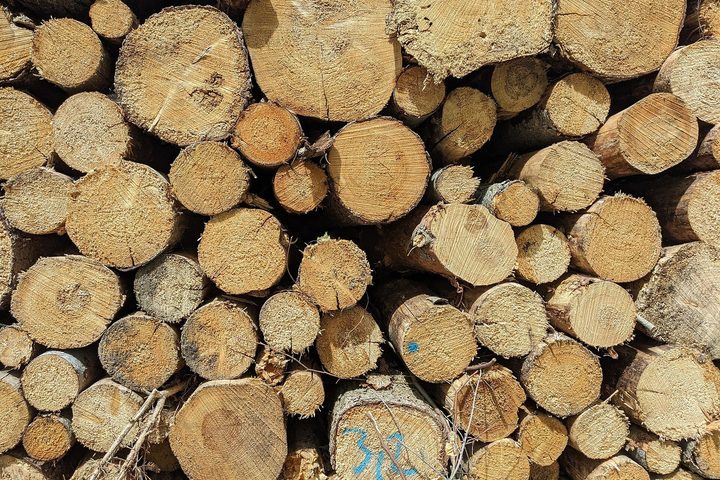
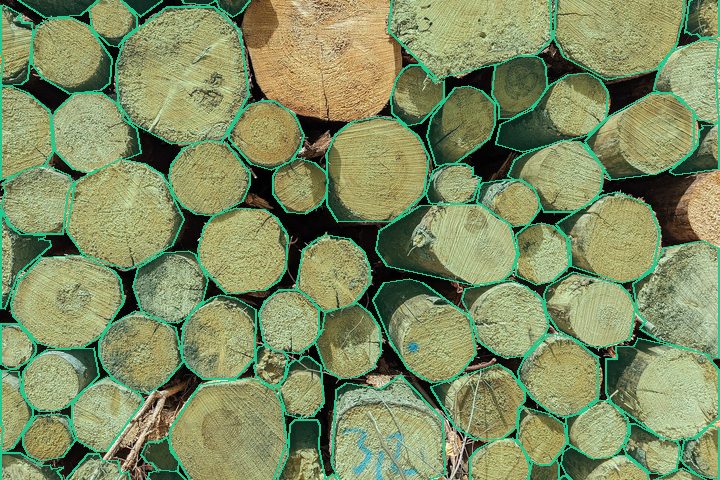 Count logs72 logs

 Count pills47 pills, 3 kinds
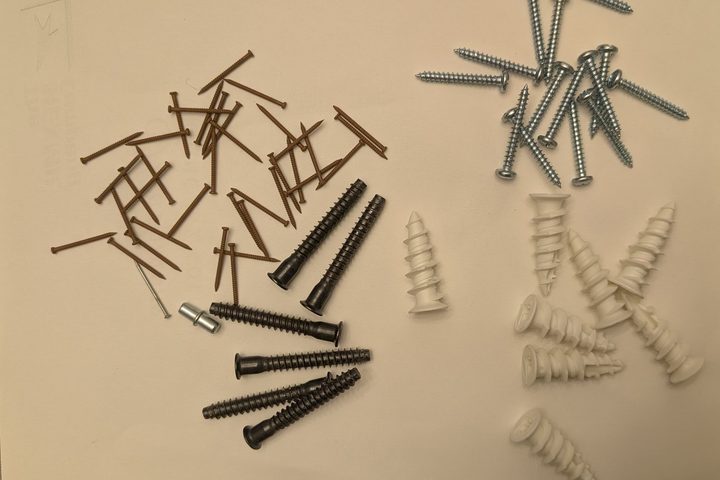
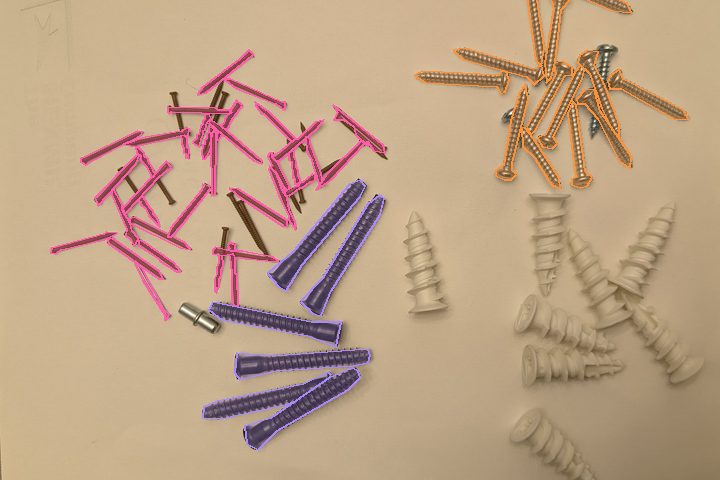 Count nails and screws55 nails and screws, 3 kinds
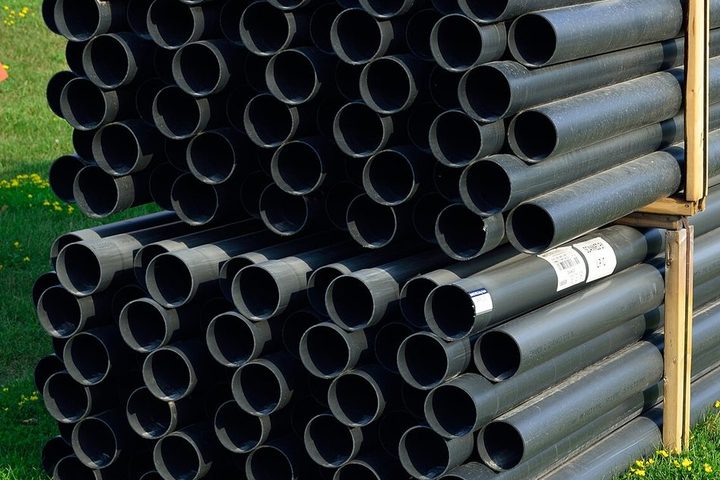
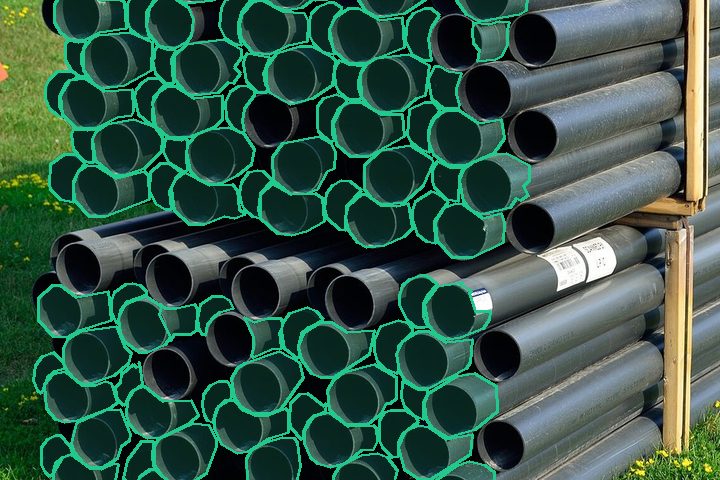 Count pipes133 pipes

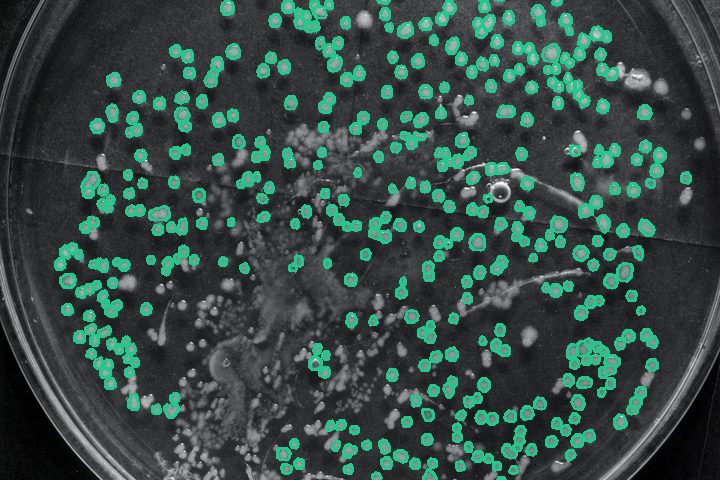 Count colonies459 colonies
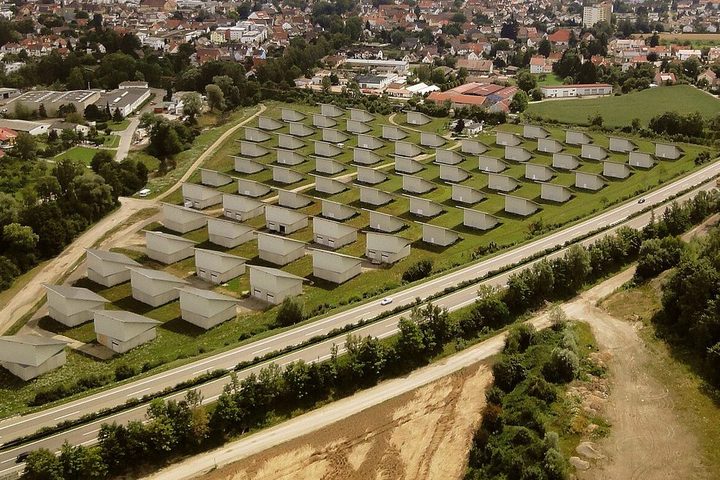
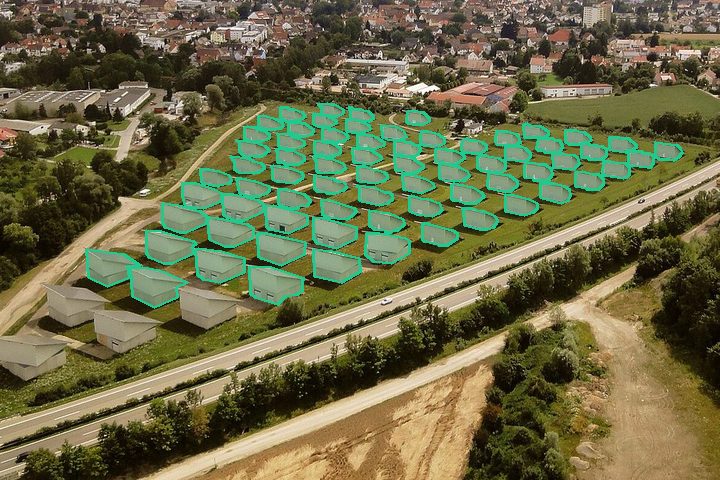 Count solar panels70 panels
Count boxes and palletsTry your own photo
Counting many photos, or something this page finds hard? We build custom models for your kind of image, run batch counts and offer an API, as a monthly plan.
Ask for a quoteYour photo stays in this browser unless you choose Smart AI in step 4. How to use · Pricing · Privacy · Terms · Business information · Feedback and contact