Counting…
Drop the photo to load it
Outline one person in a photo taken from above, and the crowd is counted, standing or sitting: for events, festivals, gatherings and attendance counts.
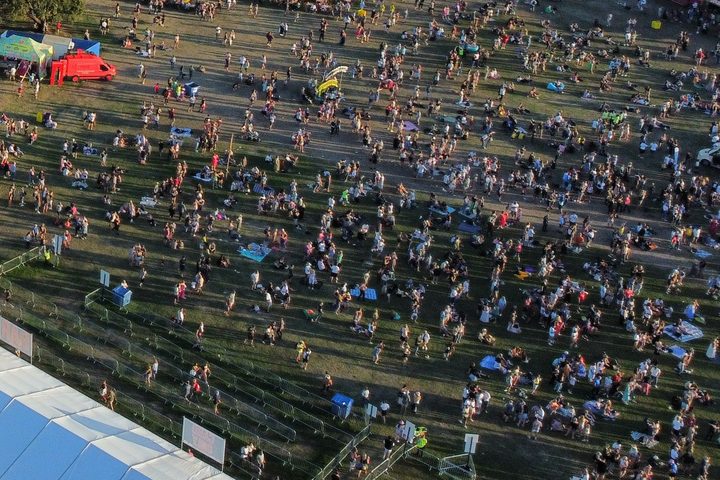
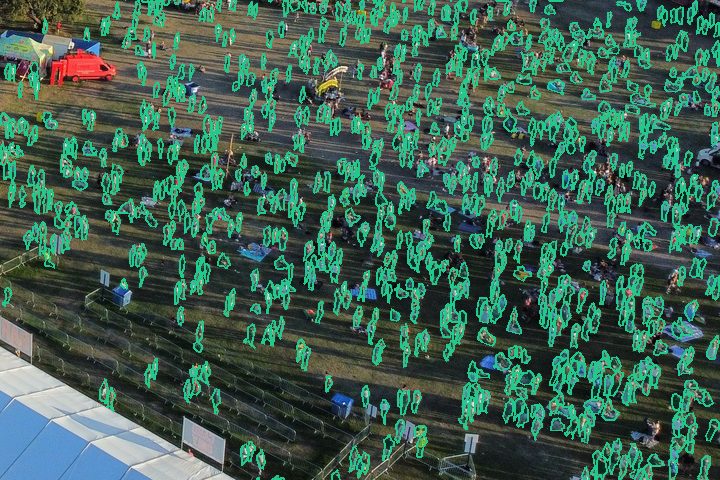
The example opens with its outline and settings, so you can see how it was counted and change them. Then try your own photo: it starts with the same settings.
Attendance counts at events and festivals, gatherings in a park or a square, and checking how full a space was.
From as high as possible, looking down on the crowd: a drone, a balcony or a rooftop. At eye level, the people in front hide those behind and the count comes out low.
Outline one person near the front and one near the back as two examples, or count the photo in two parts with a count area for each.
It is an estimate, and it is lower than the real number when people hide each other. Check the marks on the photo and add missed people with a click in step 4. For a dense crowd, Smart AI is much closer than Fast and free.
In Fast and free mode it never leaves your device. In Smart AI mode it is sent to our server, counted and not kept by us. The privacy page has the details.
Move across a photo to see what was counted. See all of them
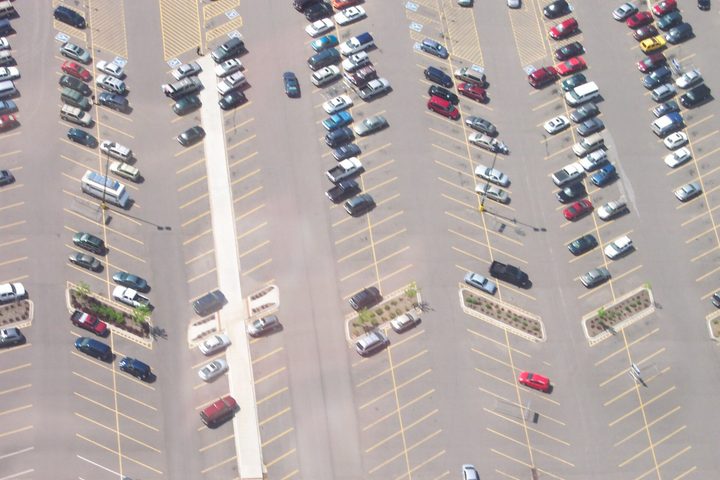
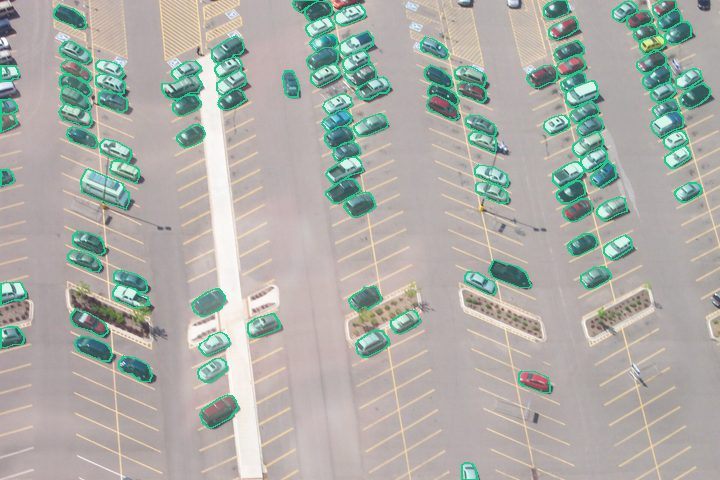 Count cars116 cars
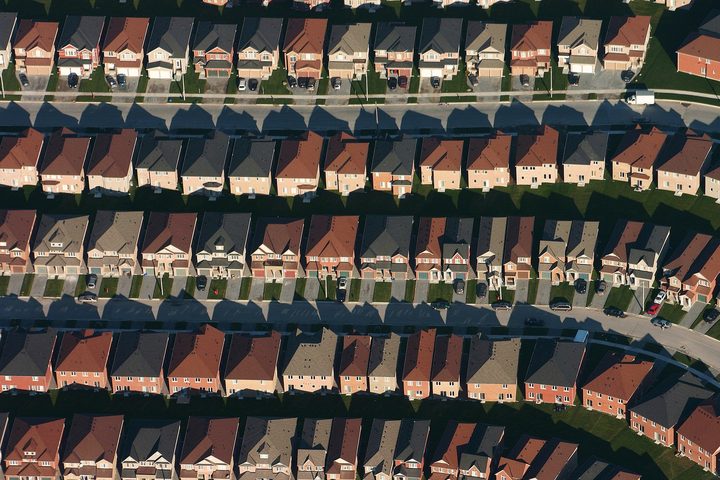
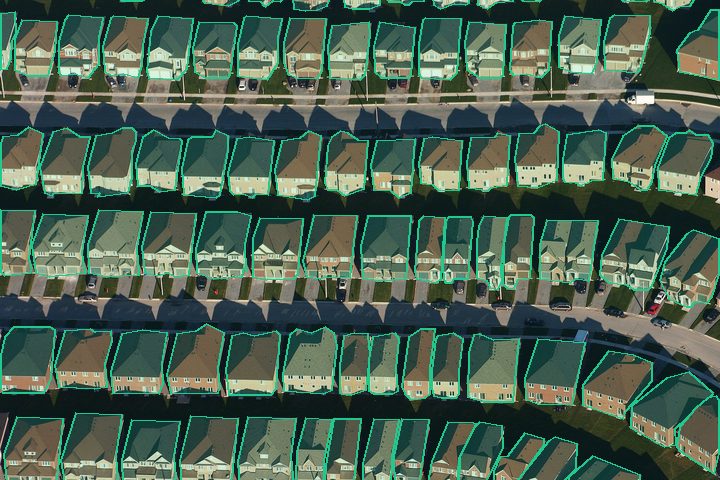 Count houses90 houses
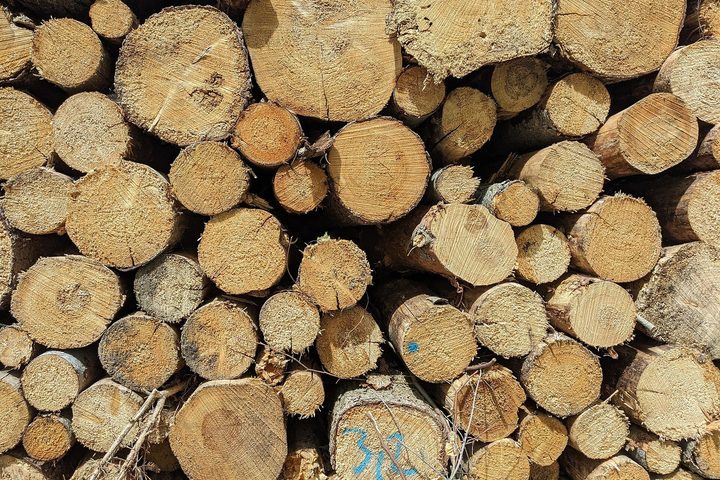
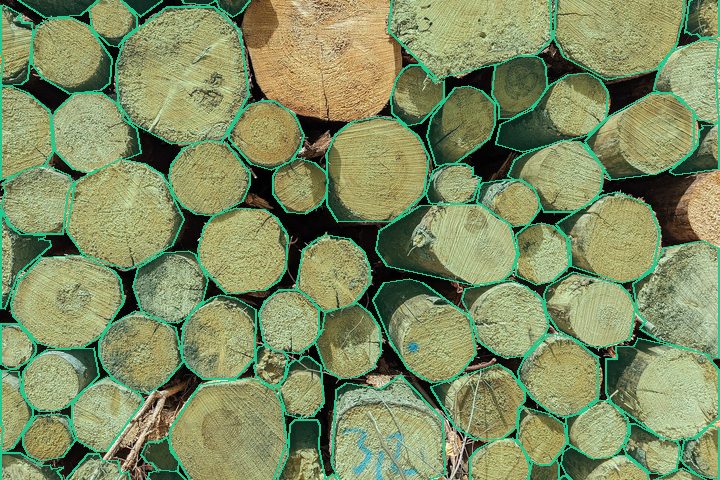 Count logs72 logs

 Count pills47 pills, 3 kinds
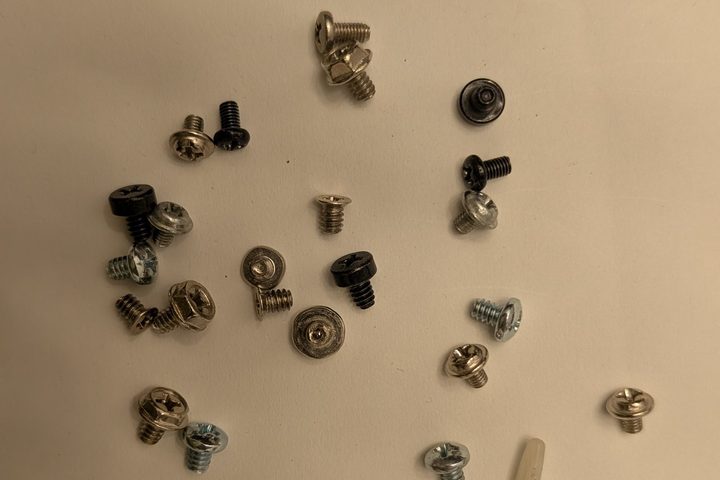
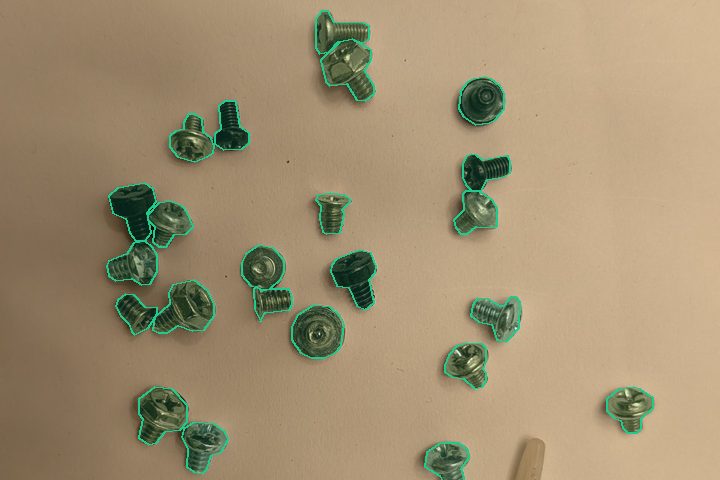 Count screws24 screws
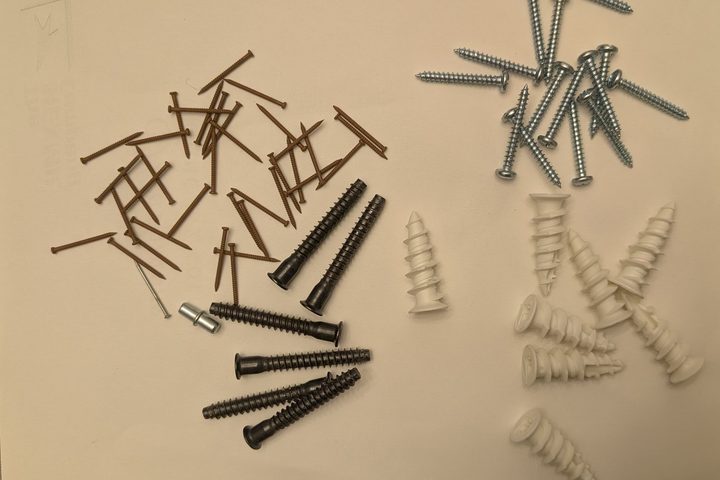
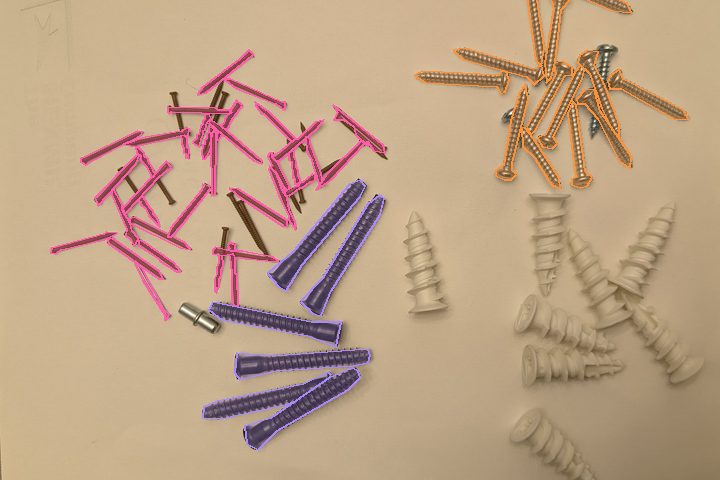 Count nails and screws55 nails and screws, 3 kinds

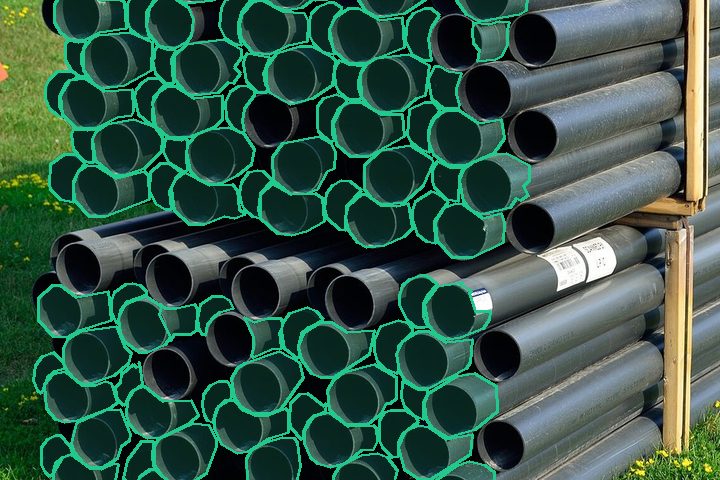 Count pipes133 pipes

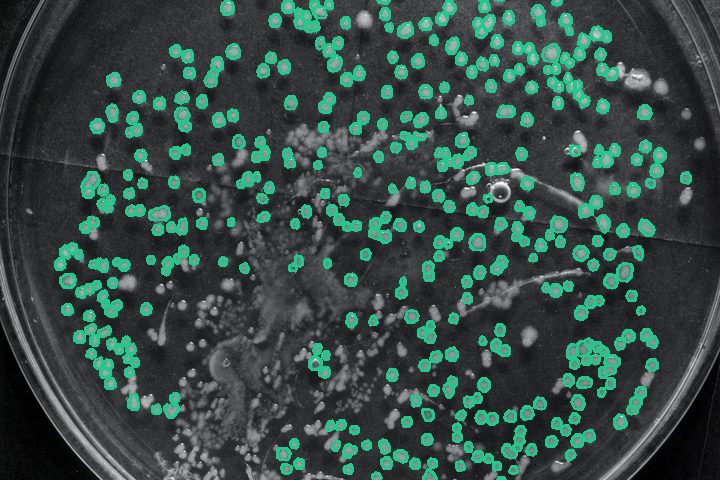 Count colonies459 colonies
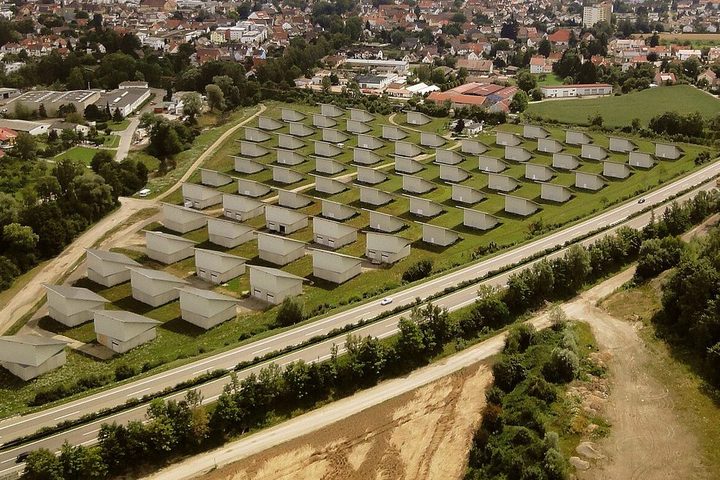
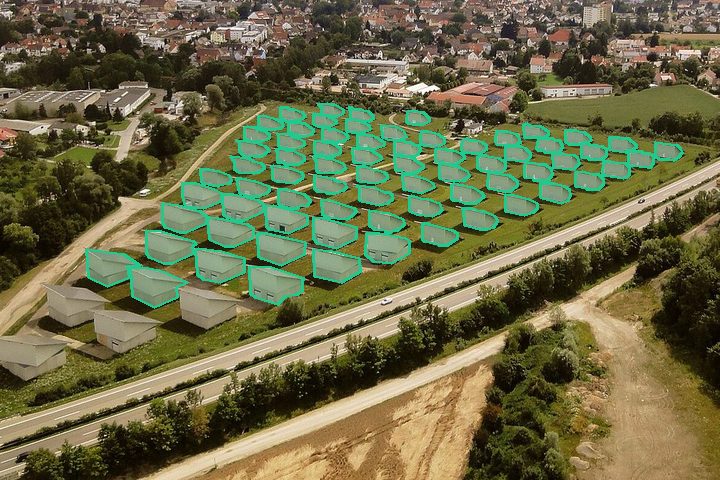 Count solar panels70 panels
Count boxes and palletsTry your own photo
Counting many photos, or something this page finds hard? We build custom models for your kind of image, run batch counts and offer an API, as a monthly plan.
Ask for a quoteYour photo stays in this browser unless you choose Smart AI in step 4. How to use · Pricing · Privacy · Terms · Business information · Feedback and contact